
ARTWORK & DESIGN PREP
Custom Artwork & Design Prep — We'll Get Your Files Print-Ready IN LEXINGTON, SC
One of the most common things we hear from new clients is “I'm not sure if my artwork is ready." The answer is almost always — don't worry about it. At Eighth State Collective, we handle artwork preparation as part of every order. Whether you have a polished vector file or a logo saved off a website, we'll review what you have, tell you what we need, and get it sorted before anything goes to print. You focus on the merch. We'll handle the files.
What Does "Print-Ready" Actually Mean?
Print-ready artwork is a file that can be cleanly separated into individual color layers, scaled to any size without losing quality, and output to screen printing film without distortion or resolution loss. In practice that means a clean vector file with separated colors — but most people don't have that, and that's completely fine.
Here's what actually matters: your design needs to be reproducible in the number of ink colors you're ordering, at the size it's being printed, with enough detail that it doesn't fall apart at print scale. We evaluate every file that comes in and tell you exactly what's needed before we commit to a quote.
File Types — What Works and What Doesn't
Vector Files — The Gold Standard
Vector files are built from mathematical paths rather than pixels, which means they scale to any size — from a 1-inch chest logo to a full back print — without any loss of quality. If you have any of these, you're starting in the best possible place:
.ai (Adobe Illustrator) — ideal
.eps — industry standard, works perfectly
.pdf (vector-based, not exported from Word) — great
.svg — works well, especially for simple logos

Raster Files — It Depends
Raster files are pixel-based. They work for screen printing as long as resolution and size are sufficient, but they can't be scaled up without quality loss. Here's the breakdown:
.png (300 DPI or higher at print size) — works well for most designs. This is the most common file type we receive and we can usually work with it.
.psd (Photoshop, layered) — great if layers are organized and resolution is sufficient
.jpg / .jpeg (high resolution only) — usable but compression artifacts can cause issues. We'll assess on a case by case basis.
.png or .jpg pulled from a website — usually 72 DPI, which is screen resolution, not print resolution. These are too low-res to print cleanly and will need to be redrawn.
Files That Don't Work for Screen Printing
Word documents, PowerPoint, Google Slides — not suitable for print production. If your logo only exists in a Word doc letterhead, we can recreate it from scratch — just describe what you need.
Screenshots — too low resolution. Never suitable as-is.
PDFs exported from Word or Google Docs — these look like vector files but are actually raster images embedded in a PDF wrapper. We can spot these quickly.
WHAT WE CAN HELP WITH
vector conversion
We redraw your raster logo as a clean vector file — tracing the shapes, cleaning up edges, and outputting a scalable .ai or .eps that works for any future print job, not just this one. If you've been working off a low-res logo for years, this is a worthwhile one-time investment.
color separation
Screen printing prints one color at a time, so your artwork needs to be separated into individual color layers — one per ink color. We handle this as part of every job, reviewing your design and separating it into printable layers that match the ink colors in your order.
logo clean up
Rough edges, gradients that don't translate to print, drop shadows, thin lines that will bleed at print size — we identify and fix these during the prep process. What looks great on a screen doesn't always translate directly to fabric, and we bridge that gap before anything goes to production.
COLOR SIMPLIFICATION
Full-color photographic logos and complex gradients can't be screen printed as-is. We work with you to simplify the design to the number of spot colors in your order while keeping the intent and recognizability of the original. Sometimes this means a design conversation — we'll walk you through the options.
MOCK UP CREATION
Before we print anything, we place your finalized artwork on a photo of the actual garment in the color you're ordering and send it to you for approval. What you approve is what gets printed — no surprises on delivery.
Embroidery Digitizing
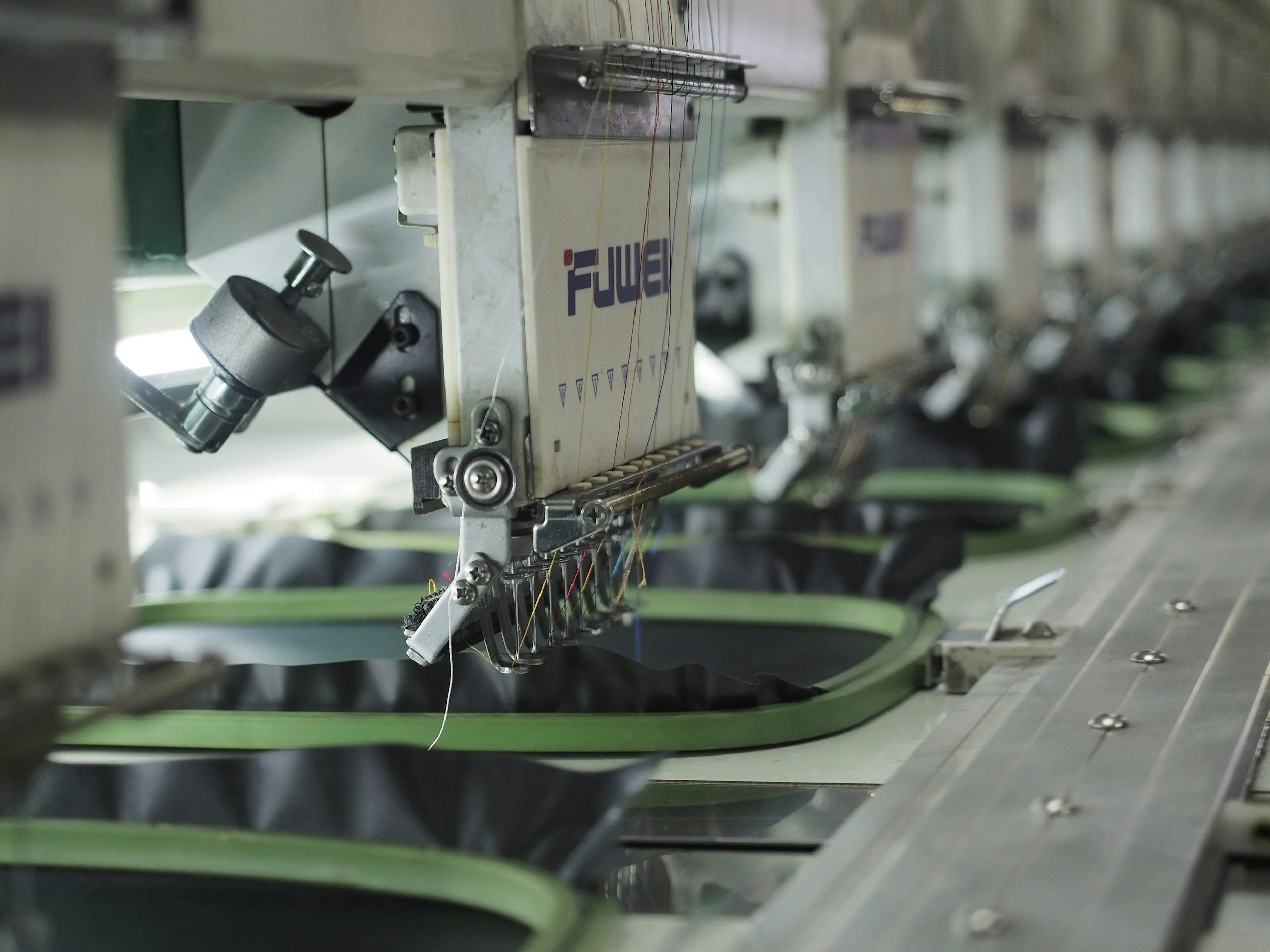
For embroidery orders, your artwork needs to be converted into a stitch file — a set of machine instructions that determines stitch direction, density, and sequence. This process is called digitizing and it's separate from print artwork preparation. We digitize in-house and send you a stitch preview before we run a single piece.
How Many Colors Should Your Design Be?
This is one of the most practical questions to understand before you submit an order, because color count directly affects pricing. Each color in a screen print requires its own screen — so a 4-color job requires 4 screens, 4 ink setups, and 4 passes through the press.
Here's a practical guide:
1–2 colors — The most affordable range. Works beautifully for simple logos, text-based designs, and clean one or two-tone graphics. A lot of the best-looking merch is 1-color.
3–4 colors — The sweet spot for most orders. Handles the majority of logo designs, illustrated graphics, and multi-element layouts without breaking the budget.
5–6 colors — Premium range. For complex artwork, detailed illustrations, and designs where color accuracy is critical. Still very achievable at the right quantities.
Simulated process (full color) — Photorealistic designs, gradients, and artwork that looks like it was painted. Uses halftone dots to simulate full color on dark garments. The most technically complex and most expensive, but the results speak for themselves.
A note on gradients and shadows: Gradients, drop shadows, and glows can't be printed as spot colors — they require either a halftone technique or simplification to solid colors. If your design has these, we'll discuss the options with you during artwork review.
Artwork Guidelines — What to Send Us
If you want to give us the best possible starting point, here's what to do:
Send vector files whenever you have them — .ai, .eps, or vector PDF
For raster files, export at 300 DPI at the actual print size — a 10-inch wide design should be 3,000 pixels wide minimum
Outline your fonts — if your design includes text in a specific font, outline the text in Illustrator or convert to paths so font substitution doesn't change your design
Tell us your color count — let us know how many ink colors you're expecting. If you're not sure, tell us your budget range and we'll work within it
Share your brand colors if you have them — Pantone references, CMYK values, or even a brand guide help us match your colors as closely as possible
If you don't have any of the above — that's fine too. Send us what you have, describe what you're going for, and we'll take it from there.
-
Basic artwork prep — color separation, minor cleanup, and mock-up creation — is included with every order. Complex work like full vector redraws or significant design modifications may involve a one-time artwork fee. We'll always tell you upfront before any work begins.
-
We focus on print production rather than graphic design from scratch, but if you have a concept or reference images, we can discuss simple logo recreation. For full brand identity design, we'd recommend working with a graphic designer first and bringing us the finished files for production.
-
We can print logos and artwork you own the rights to. If you're printing a third-party logo — a band you're affiliated with, a brand you're licensed to use, a sports league logo — just let us know the context. We don't print trademarked or copyrighted logos without appropriate authorization.
-
Every order includes a digital mock-up placed on the actual garment in your chosen color before we go to print. You approve the mock-up before production begins. We don't run a single piece without your sign-off.
-
White ink on a white shirt is invisible. If your design relies on a white element against a light garment, we'll flag this during artwork review and discuss options — which usually means removing the white element or choosing a different garment color. It's one of the most common issues we catch in prep.
-
Yes — and in fact that's often ideal. A .png with a transparent background isolates your design cleanly without a white box around it. Just make sure the design itself is high resolution.
-
The same file types work as a starting point for both, but the production process differs. Screen printing needs color-separated artwork. Embroidery needs a digitized stitch file, which we create from your logo. Send us your best available logo file and tell us which decoration method you're ordering — we'll handle the rest.
ARTWORK & DESIGN PREP FAQ
Not Sure If Your Files Are Ready? Just Send Them.
Submit your project through our quote form, attach whatever files you have, and we'll review everything and come back to you with exactly what we need. No judgment, no tech jargon — just a straightforward answer and a fast quote.
DESIGN & ART PREP lexington, south carolina
Eighth State Collective is South Carolina’s premier screen print, embroidery, and promotional products company.